Explained
Why CRM stopped growing sales

It can't move them.
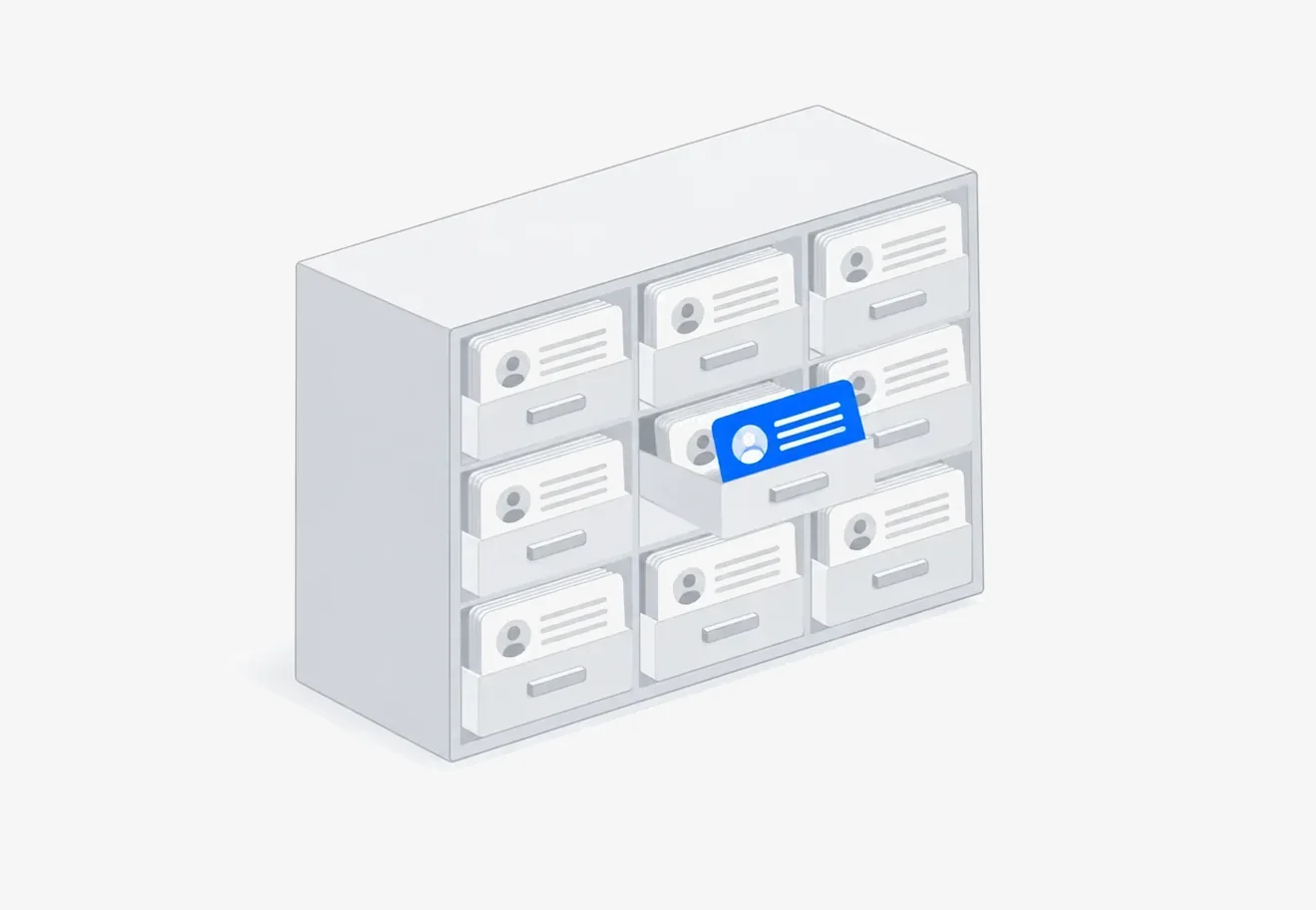
The acronym stands for "customer relationship management", and that doesn't make it any clearer. In practice, a CRM is a shared file of clients and agreements. One place everyone looks: who got in touch, what they were promised, what stage things are at and what needs to happen next.
The main value isn't in the features. It's in one simple thing: the history stops living in a specific person's head. A manager gets sick, quits, goes on vacation, and work goes on, because everything is written down.
What it really is
Picture a notebook with a page for every client: contacts, what they bought, what you agreed on, when to call back. Now picture that this notebook is shared, never gets lost, reminds you of tasks on its own and shows how many agreements are sitting still. That's a CRM.
Everything else, like pipelines, reports and automated emails, is built on top of this idea. Useful, but secondary.
What's inside any CRM
- Client card. Contacts, request history, purchases, messages.
- Deals. Agreements at different stages: got in touch, discussing, invoiced, paid.
- Tasks. What needs to be done, by whom and by when, with a reminder.
- Sources. Where the client came from, so you know which ads pay off.
- Reports. How many requests, how many sales, where things fall through most often.
What problems it solves
Requests stop getting lost
Requests from email, messengers and the website land in one list. You can see the ones nobody picked up, and the ones that have gone unanswered for three days.
You can see where things stalled
If ten out of a hundred requests make it to an invoice, the issue isn't lazy managers. The question is at which step the other ninety drop off. Without a CRM you can't count that.
Work doesn't depend on memory
A client calls six months later, and the card shows what they ordered, where you left off and what discount you promised.
When it's time to get one
Honest answer: not everyone needs one, and not right away. A spreadsheet is enough as long as:
- you get fewer than twenty requests a month;
- one person does the work and remembers everything;
- a deal closes in one conversation.
You need a CRM once at least one of these shows up:
- clients write to you through several channels;
- there's more than one employee, and they pass clients to each other;
- a deal takes weeks and goes through stages;
- you can't quickly say how many requests came in last month.
Types of CRM
You can split them up in different ways, but in practice three types matter.
General-purpose
Bitrix24, amoCRM. They suit almost any business and have lots of features, but need to be set up for how you work.
Industry-specific
YCLIENTS for salons, systems for clinics, car repair shops, delivery. They already have what the industry needs: schedules, specialists, services.
Built into an accounting system
1C and similar. Handy when sales and inventory need to live together.
What it costs
Cloud solutions are priced per user, usually a few dozen rubles a month per person, and most have a free plan for two or three people.
But the main cost isn't the subscription. It comes down to two things: someone has to set up the system for your processes, and someone has to enter data into it every day. The second one is what kills most rollouts.
Why CRM stalls growth
CRM was invented back when a sale meant a phone call and a meeting. A manager handled a couple dozen clients, and the main problem was not forgetting to call back. The card file solved exactly that, and solved it well.
Today a sale looks different. A client messages you at nine in the evening, expects a reply within minutes and goes to a competitor if there isn't one. And here a CRM is powerless: it doesn't reply to the client. A person does.
Growth hits a ceiling of people, not systems
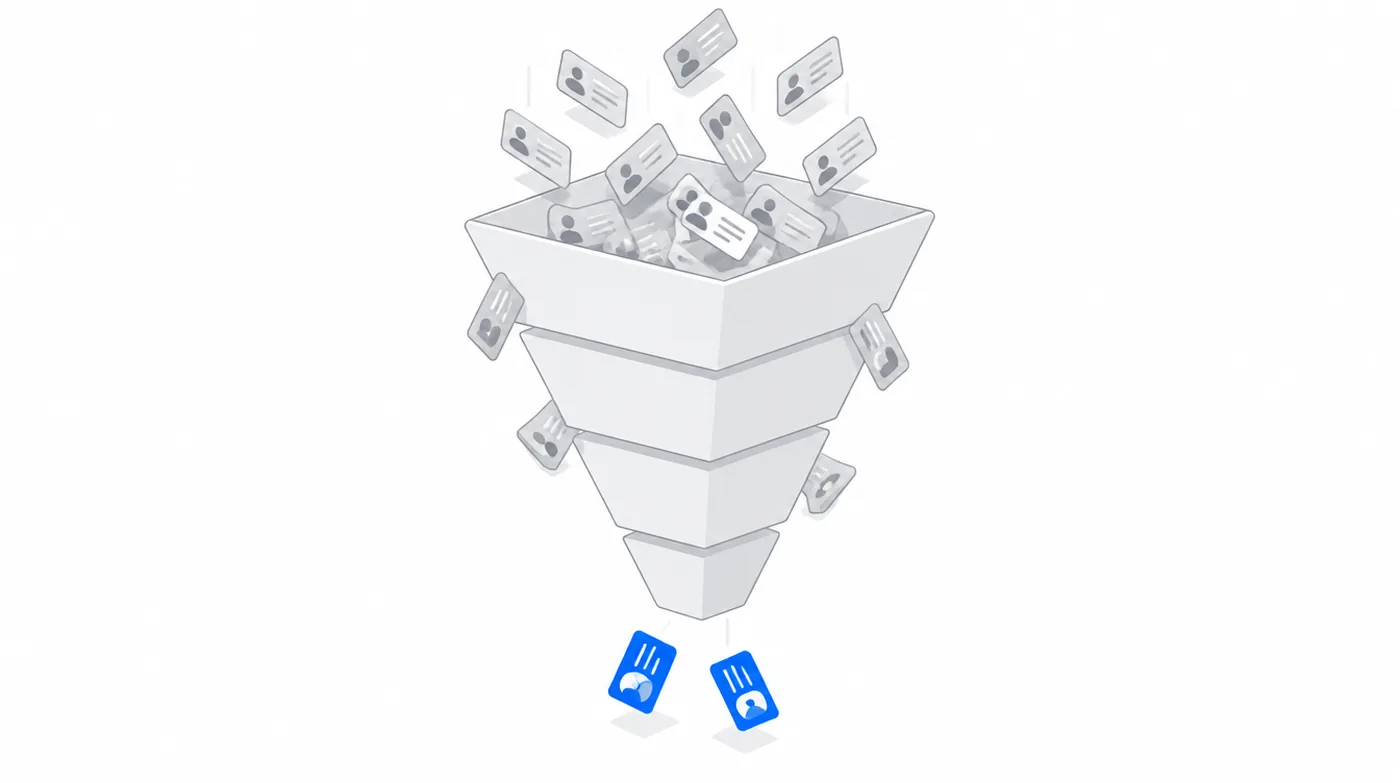
Let's break sales growth into factors: number of requests × speed of reply × conversion to a deal. Now, honestly: which of the three does a CRM affect?
- Requests come from advertising and reputation. A CRM doesn't create them.
- Speed of reply depends on whether a manager is free right now. A CRM will only show that the reply came six hours later.
- Conversion depends on the quality of the conversation. A CRM will show the stage, but a person still has to do the talking.
So the record-keeping system logs the result but doesn't pull a single lever. To handle twice as many requests, you need twice as many managers, and that's where growth hits a ceiling.
And it takes time that could have gone into sales
There's a flip side that CRM ads don't mention. The system needs to be fed: create a card, change the stage, write a comment, set a task. In our measurements with clients, this takes a third to half of a manager's working day.
So a company buys a system to sell more, and ends up with an employee who sells less, because they're busy filling in fields.
At Fabrika Fotoknigi you can see it in the numbers: Bitrix24 had been running for several years, processes were documented, everything was tidy. And yet the task "contact the client" was created by hand 7,490 times. Each one is a person who opened a card, clicked a button and typed a message. The system did nothing by itself. It just recorded that it happened.
What to do about it
Don't throw out the CRM. You still need it as the company's memory. But stop expecting growth from it and add a layer that does the work: takes in a request, replies to the client, fills in the card itself and sets a task if a person is needed.
Then the card file stays a card file, and sales stop depending on whether a manager got around to opening the messenger.
Why rollouts fail
A typical story: you buy it, set up a pipeline, train the team. A month later half the deals don't reflect reality, because it's easier for a manager to reply to a client in the messenger and not copy it into the system.
A CRM depends on manual work, and that's exactly where it breaks. The three most common ways it fails:
- Not everyone enters data, and not every time. Reports lie, trust drops, and the system turns into a graveyard of cards.
- It wasn't set up for you. Someone took a pipeline from a template, it doesn't describe the real process, and people work around it.
- Nobody looks at the reports. If no decisions are made based on the numbers, there's no point collecting them.
We'll connect to what you already have and show numbers you can't see from the inside: where deals are stuck and how many tasks are created by hand. Free of charge.

How it differs from an AI platform
This question comes up a lot, so briefly.
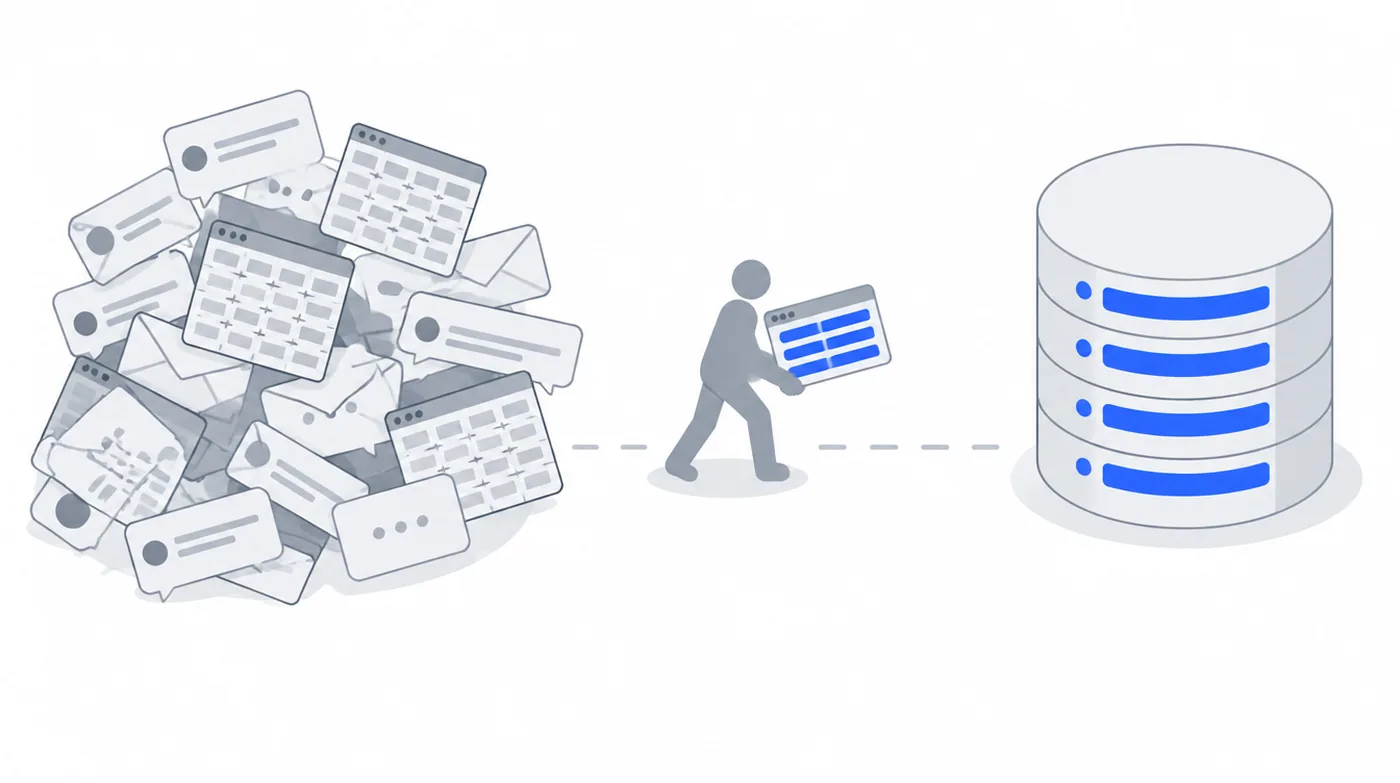
A CRM is a system of record. It stores data and shows it to people. People are also the ones entering the data.
An AI platform works on top. It takes in a request from a messenger, figures out what the client needs, replies, fills in the card in the CRM and sets a task for an employee. The CRM stays. The manual work around it just disappears.
| CRM | AI platform on top of a CRM | |
|---|---|---|
| Who replies to the client | A manager, when they're free | The agent replies right away, around the clock |
| Who fills in the card | An employee, by hand, after the conversation | It fills itself in from the chat |
| When requests grow | You need more managers | The workload grows, the headcount doesn't |
| Data in the system | As complete as people are disciplined | Gets in automatically, with no gaps |
| What the report shows | What employees wrote down | What actually happened |
The Fabrika Fotoknigi case shows this well: they had a CRM, Bitrix24 had been running for several years. But the task "contact the client" was created by hand 7,490 times, and half of all requests were closed by managers with simple repeat answers. Details in the case study.
Questions and answers
What is a CRM in simple terms?
A shared file of clients and agreements: who got in touch, what was promised, what stage things are at, what to do next.
Why does a small business need a CRM?
So requests don't get lost and the history doesn't live in one person's head. With twenty requests a month and one employee, a spreadsheet is enough.
Which CRM should I choose?
If there's an industry-specific one for your field, start with it. Half the work is already done there. If your processes are unusual, go general-purpose, but plan time for setup.
Can I do without a CRM?
You can, as long as everything fits in your head and a spreadsheet. A sign that it doesn't anymore: you can't say within a minute how many requests came in last month and how many of them bought something.
Will a CRM replace a manager?
No. It doesn't reply to clients and doesn't sell. It only records. Replying and selling are still up to people, unless you put an AI agent on top.
Want to know what's happening in your system right now? We'll review it for free: connect, count and show you where time is being lost.